Login to the system
The login page is the gateway to all features in Road Freight TMS. Your account is provisioned by your organization Admin.
Open the login page
Open your browser and visit:
https://<your-company-domain>/login
You'll see the login screen:
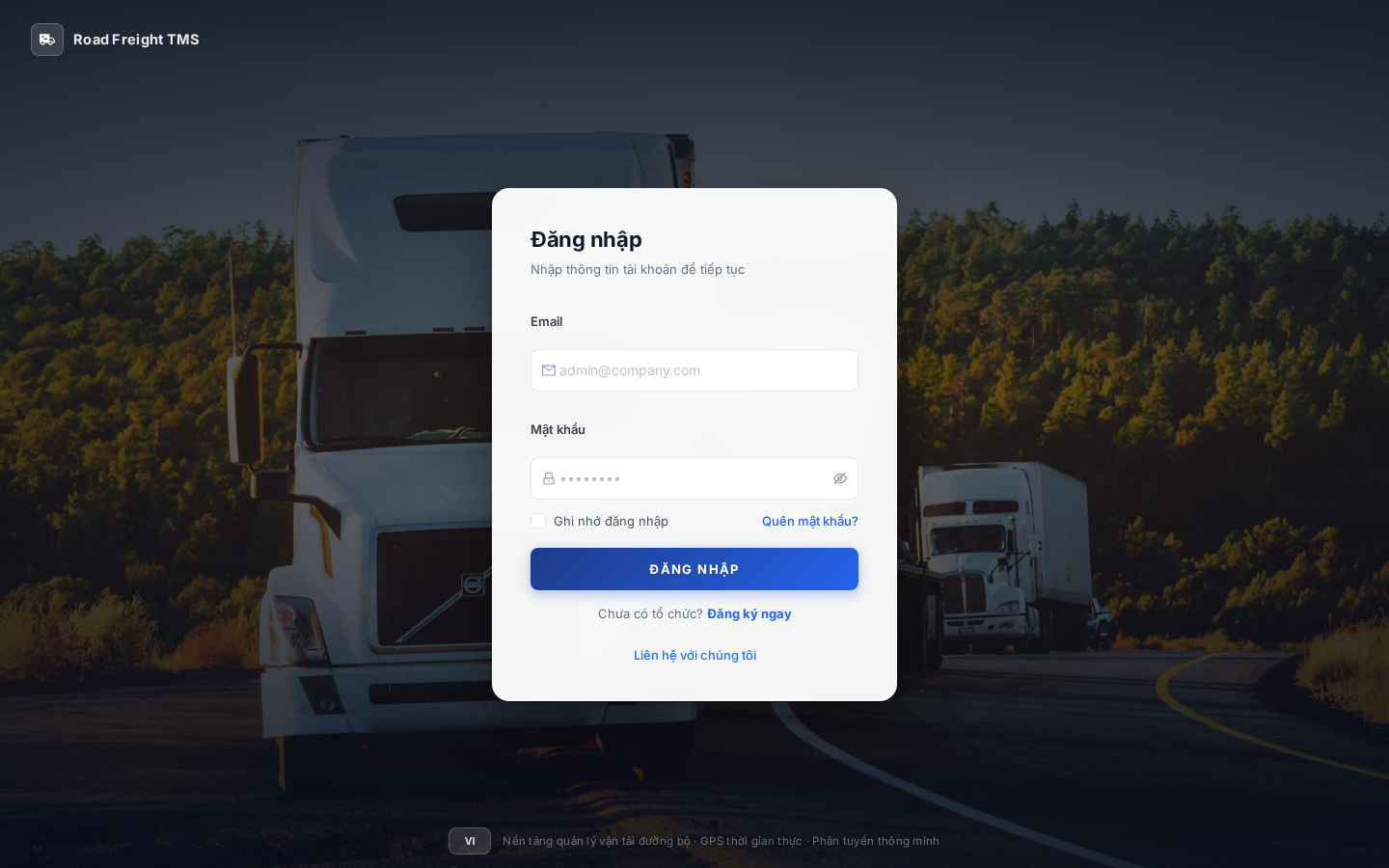
Login steps
Step 1 — Enter email
Enter the email address your Admin registered for you.
Email must match exactly the invited address. If you didn't get the invitation email, contact your Admin.
Step 2 — Enter password
Enter the password you set when accepting the invitation.
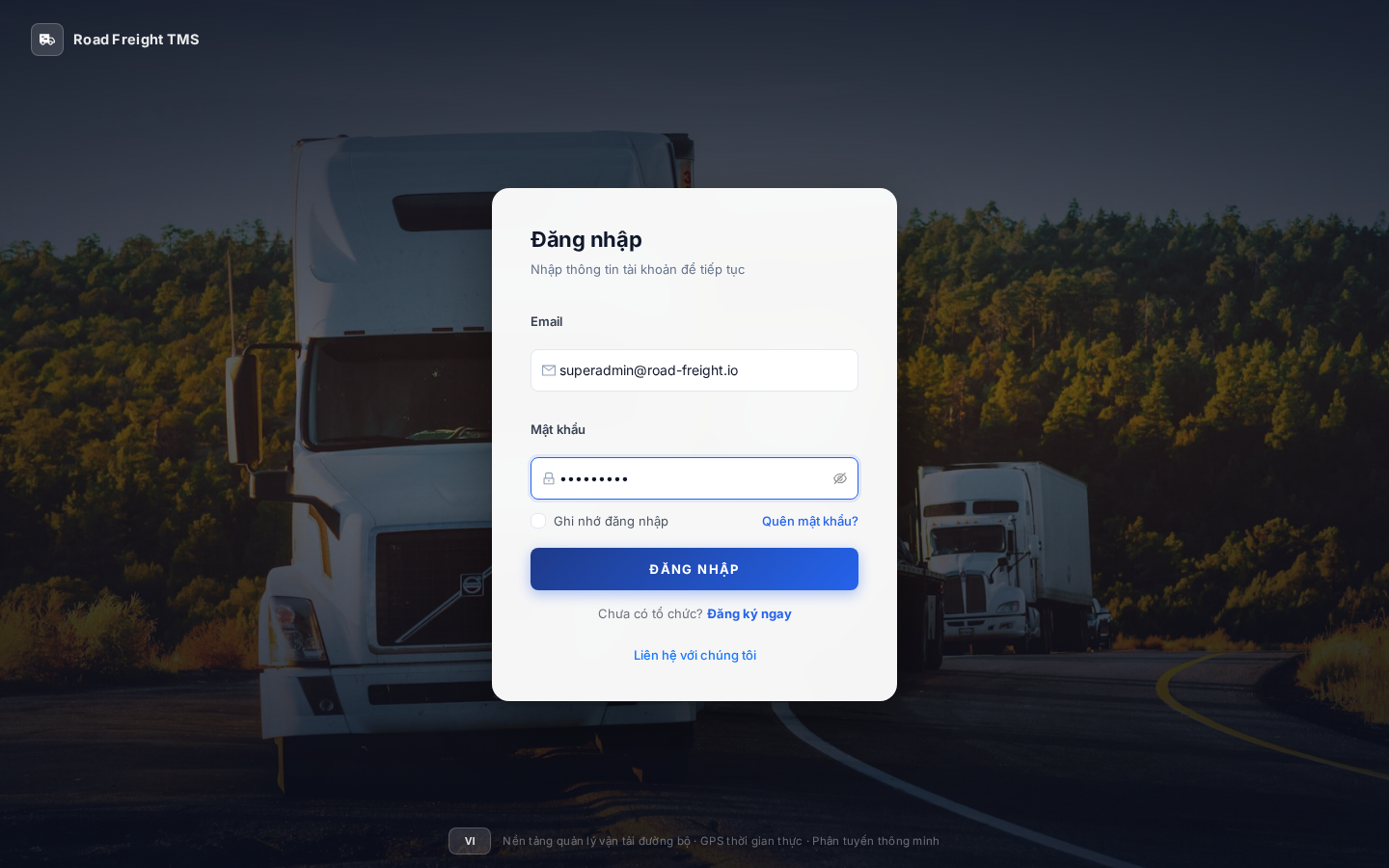
Step 3 — Click "Login"
If correct, the system routes you to the Home page for your role:
- IT Admin / Planner → Dashboard overview
- Dispatcher → Live Monitoring page
- Accountant → Reports
- Driver → Mobile app (no web access)
Forgot password
If you forgot your password, click "Forgot password?" below the form.
Recovery flow
- Enter your account email
- Check your inbox (and Spam)
- Click the link to set a new password
- Link is valid for 30 minutes
Switch language
Toggle between Tiếng Việt and English with the button at the bottom-left of the sidebar.
Sign out
Click your avatar in the top-right corner → choose "Sign out" to end your session.
Always sign out when using a shared computer. The system auto-signs you out after 8 hours of inactivity.
Common errors
| Error | Cause | Fix |
|---|---|---|
| "Email or password incorrect" | Wrong credentials | Check Caps Lock |
| "Account not verified" | Email not confirmed | Check inbox or contact Admin |
| "Account is disabled" | Disabled by Admin | Contact Admin |
| "Too many failed logins" | Rate limit | Wait 15 minutes |
Next
- First-time Admin login → Create organizations and branches
- Planner → Master Data management
- Driver → Install the mobile app