Public order tracking
Customers can check order status + live vehicle location without needing an account — through the system's public portal.
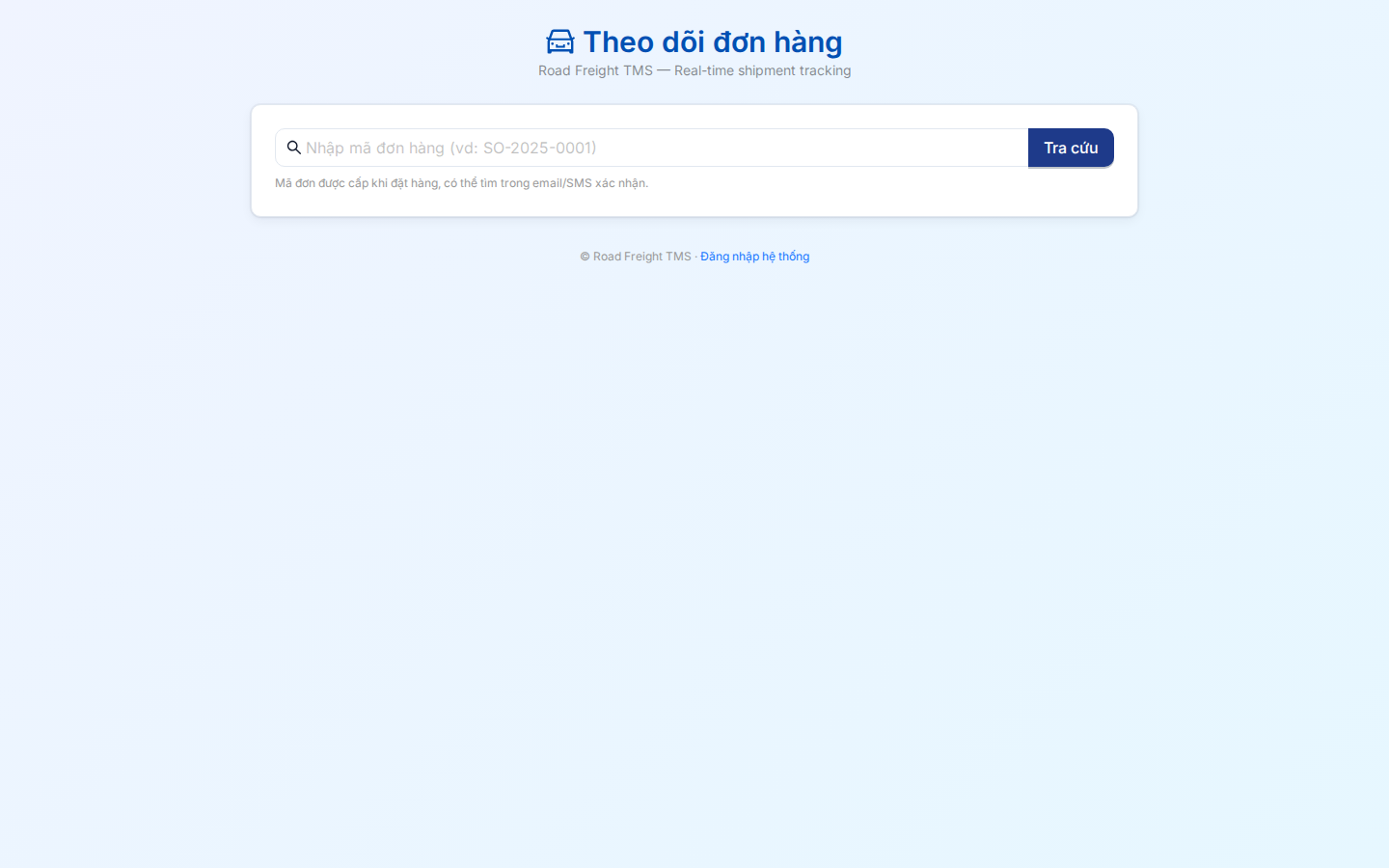
How to access
Method 1 — Link sent by Planner
After creating an order, the Planner clicks 🔗 on the order row → copies the URL:
https://<domain>/track/SO-2025-0001
Send this URL to the customer via Zalo / SMS / email. They tap it → see status immediately, no signup required.
Method 2 — Manual order code entry
Go to the main page:
https://<domain>/track
→ form appears → customer types order code (e.g. SO-2025-0001) → clicks "Track".
What customers see
After a successful lookup:
1. Current order status
- OPEN — order received, awaiting pack
- PICKED_PACKED — packed, awaiting vehicle
- SHIPPED — on the way 🚚
- DELIVERED — delivered ✅
- FAILED — delivery failed (with reason)
2. Live map (while SHIPPED)
- Current vehicle position (refreshed every 30s)
- Planned route to the customer
- Estimated ETA (hh:mm)
3. Driver information
- Driver name
- Phone number (customer can call directly)
- Vehicle code
4. Timeline history
- Order creation time
- Approval time
- Vehicle pickup time
- Departure time
- Arrival time
Security & Privacy
Anyone with the order code can view its status — like GHN/J&T tracking codes. Make sure:
- Order codes are complex enough (e.g.
SO-2026-A8B3D), not guessable - Planners do not share order codes publicly (Facebook, forums...)
- After DELIVERED, you can disable the URL if needed (configurable)
Information not visible on the public portal:
- ❌ Order value / amount
- ❌ Other customers' info (only their own order)
- ❌ Full vehicle route (only their stop)
Embedding into your company website
If you have a separate company site, you can embed the tracking form as an iframe or redirect:
<!-- Simple form on your company site -->
<form action="https://your-tms.com/track" method="GET">
  <input name="code" placeholder="Order code" />
  <button type="submit">Track</button>
</form>
FAQ
Q: What if the customer forgets the order code? A: They contact the Planner / customer service → look it up → resend.
Q: Does the system auto-send tracking links via SMS/email? A: Not currently. A previous SMS/Zalo module was removed (Brandname Zalo OA approval too restrictive). Planners share the link manually.
Q: Can customers rate the order? A: Not yet — view-only. May come in the future.
Q: Can old orders (>6 months) still be tracked? A: Yes. The system never deletes orders — permanent storage. Old codes still resolve (without live GPS).
Next
- Order management — Create orders + get share link
- Live monitoring — Internal vehicle tracking